
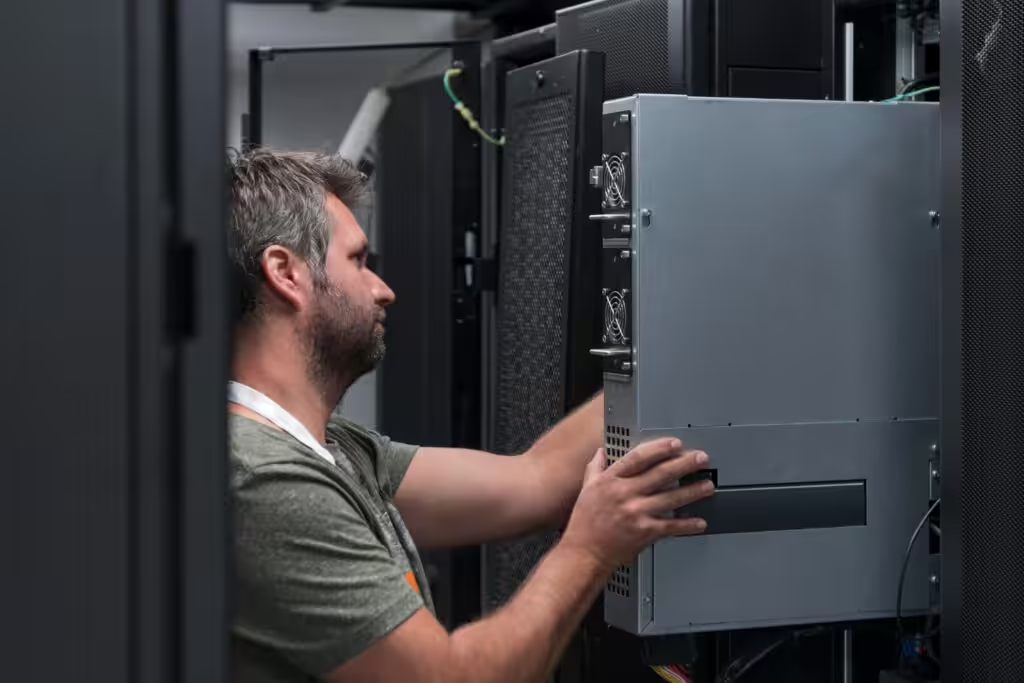
Servers sit behind the scenes, humming along while businesses rely on them for everything from storing files to running applications. When everything is working, you probably don’t think about them much. But that silence can quickly turn into chaos if regular maintenance gets skipped. Just like you wouldn’t drive your car for years without a check-up, your servers need routine attention to stay in good shape.
Ignoring server maintenance can lead to slow systems, unexpected crashes, and sometimes even lost data. For small and mid-sized businesses that depend on their systems running every day, those problems can snowball fast. Staying ahead of server issues doesn’t require fancy software or endless hours. It comes down to sticking to some simple, regular tasks that make a big difference over time.
Understanding The Importance Of Server Maintenance
If servers go unchecked for long, small issues can become major problems. An overloaded hard drive or outdated operating system might not cause a crash today, but it’s laying the groundwork for one down the line. Poor maintenance can cause things like slow processing, security holes, and inconsistent performance. All of these can interrupt your daily operations and leave your team scrambling.
Think of server maintenance like house upkeep. If a leak goes unnoticed, it doesn’t stay small. It grows, damages the walls, and costs a lot more to fix. Servers are similar. Small fixes done on time help avoid the more expensive, frustrating breakdowns. Routine maintenance keeps everything running efficiently and helps identify trouble before it strikes.
When businesses use professional IT maintenance services, they’re adding a layer of proactive protection. Regular monitoring, cleanups, and updates are done on schedule so that teams can focus on their work without repeated tech disruptions. But even knowing the right tasks and when to handle them brings a lot of insight and value, no matter the business size.
Daily Server Maintenance Tasks
Daily server tasks are the quick checks that keep things from snowballing. These don’t take long, but skipping them for just a few days can let small problems slip through unnoticed.
Here are a few things to keep an eye on each day:
– Monitor server activity and logs: Review event logs to spot patterns of unusual activity or alerts. These often show early signs of trouble, from failed logins to potential hardware issues.
– Update antivirus definitions: Keeping your virus definitions current helps block the latest threats before they reach your system.
– Check hardware status: Server fans, memory usage, and disk space should stay in healthy ranges. If something looks off, it’s better to deal with it sooner than wait for a system alert.
Building these habits into the daily routine helps identify risks right away. For example, seeing a spike in login attempts overnight is a red flag that someone may be trying to access the system without permission. Catching issues like that early gives you more time to respond before real damage is done. These tasks might be small, but they add up to a stronger, safer server.
Weekly Server Maintenance Tasks
Some server upkeep doesn’t need to happen every day, but checking in once a week gives your business a stronger safety net. These tasks keep your system clean, organized, and secure on a broader level.
Consider setting time once a week for these steps:
1. Back up data: Double-check that your complete system backups are running smoothly and test them now and then. If something gets lost or corrupt, you want a working backup ready to go.
2. Review user permissions: Make sure only the right team members have access to certain files and programs. Remove access that’s no longer needed to stop it from being exploited later.
3. Clear out unnecessary files: Removing outdated logs, temp files, or clutter that builds up over time frees up server resources and keeps performance steady.
These weekly tasks help control clutter and reduce data exposure risks. For instance, outdated temporary files might seem harmless, but if a hacker gets in, they could use those files to learn how your server runs. Keeping things tidy, who has access, and where your data lives all play a big part in system security. Over time, having a regular sweep of these issues makes long-term server care more manageable.
Monthly Server Maintenance Tasks
Monthly checks dig deeper than daily or weekly tasks. They help catch slower-developing issues and make sure your system stays up to date with the latest tools and protections. These tasks typically take more time, but they offer big returns when it comes to performance and risk prevention.
Start with these three important areas:
– Update server software and operating systems: Outdated software is where a lot of security problems begin. Hackers often target known bugs or flaws in server software, so keeping everything current helps reduce your exposure. Patching the OS, updating installed programs, and checking plugin compatibility all fall under this.
– Test disaster recovery plans: Backups are great, but they’re only as useful as your plan for recovering systems if something actually fails. Every month, take time to walk through the process. Do the backups restore successfully? Can you access them quickly? These drills help businesses respond faster when problems come up.
– Review network and security settings: Check firewall rules, port access, and encryption settings. Make sure older users, devices, or third-party services no longer in use don’t still have access to your server.
One construction firm did monthly OS updates but skipped testing their recovery plan. When a network crash hit after an update conflict, they thought restoring files would be fast. It wasn’t. Keys were missing, and recovery took longer than it should have. That one misstep left key staff idle for hours. Making space each month to go over these deeper issues can save businesses from those slow-burning headaches.
What Reliable Maintenance Really Brings
Keeping up with routine maintenance protects more than just your data. It helps keep your tech budget steady since unchecked issues often lead to costly fixes. A server that’s monitored, cleaned, and updated regularly performs better and lasts longer. That means fewer surprise replacements and more stable business operations.
There’s also the benefit of keeping things predictable. When updates are scheduled, backups are tested, and logs are reviewed, you’re not simply reacting to problems. You’re managing them before they get big enough to cause trouble. This predictability also helps teams plan ahead with confidence. They’re not worrying about hardware failures or service interruptions popping up mid-project.
Good server maintenance also backs up productivity. Systems that lag or stop working altogether throw people off their routine. When your staff can’t access files or use certain tools, efficiency drops. Keeping servers in good condition helps your team stay focused on their work instead of troubleshooting avoidable hiccups.
Security, reliability, and performance all get a boost from routine work. And when handled by IT maintenance services that know what to look for, businesses can trust their systems are ready to support growth, even during their busiest seasons. Rather than overhauling servers every few years or reacting to emergencies, a lot of the stress can be avoided just by sticking to a smart schedule. Server maintenance isn’t about doing everything at once. It’s about staying consistent over time.
Ready to streamline your server maintenance routine? Explore how our IT maintenance services can help keep your systems running smoothly and your business operations uninterrupted. Soaring Towers is here to make server upkeep easier and more effective for your team. Reach out today to see how we can support your IT goals.