
In today’s fast-paced digital world, artificial intelligence (AI) is no longer a futuristic concept—it’s a practical tool that’s transforming how we work. One of the most powerful examples of this transformation is Microsoft Copilot, a suite of AI-powered assistants designed to supercharge productivity across Microsoft’s ecosystem. But what exactly is Copilot, what versions are available, and why should your business consider using it?
What Is Microsoft Copilot?
Microsoft Copilot is an AI assistant built on OpenAI’s large language models (LLMs), including GPT-4o, and deeply integrated into Microsoft’s products. It’s not just a chatbot—it’s a context-aware digital assistant that understands your data, your tools, and your workflows.
Whether you’re drafting a proposal in Word, analyzing data in Excel, or managing emails in Outlook, Copilot helps you get more done with less effort. It can summarize documents, generate content, automate tasks, and even provide insights based on your organization’s internal data—securely and in real time.
The Different Versions of Microsoft Copilot
1. Microsoft Copilot (Free)
– For general users and small businesses
– Works in Bing, Edge, Windows, and non-enterprise Microsoft 365 apps
– Features include AI chat, image generation, and task automation
2. Copilot for Microsoft 365 ($30/user/month)
– For businesses and enterprise teams
– Deep integration with Microsoft 365 apps and organizational data
– Includes Microsoft 365 Chat, enterprise-grade security, and compliance
3. Specialized Copilots
– For sales, service, security, analytics, and developers
– Includes GitHub Copilot, Copilot Studio, and Dynamics 365 integrations
Why Use Microsoft Copilot?
Boost Productivity: Automate repetitive tasks and generate content faster.
Enhance Decision-Making: Get real-time insights from your data.
Improve Collaboration: Streamline communication across Teams, Outlook, and OneDrive.
Secure and Compliant: Built with Microsoft’s enterprise-grade security.
Customizable AI: Build your own GPTs and workflows with Copilot Studio.
Real-World Use Cases
– In Word: Draft reports, summarize documents, rewrite content
– In Excel: Analyze trends, generate charts, model scenarios
– In PowerPoint: Create presentations from outlines or documents
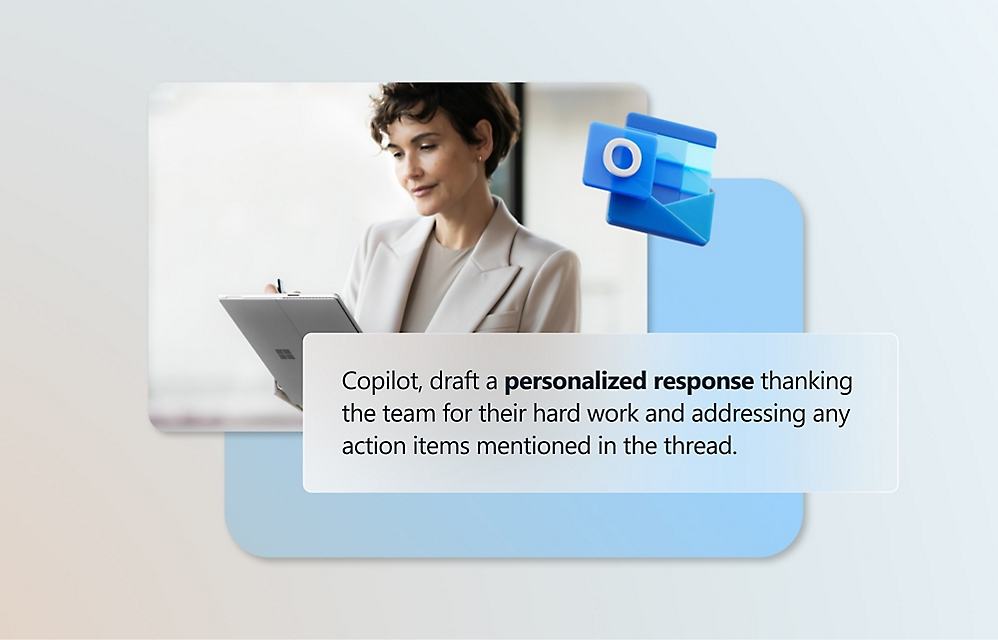
– In Outlook: Summarize threads, draft replies, prioritize emails
– In Teams: Get meeting summaries, action items, and project updates
Final Thoughts
Microsoft Copilot is more than just a productivity tool—it’s a strategic asset for modern businesses. Whether you’re a solo entrepreneur or a large enterprise, there’s a Copilot version designed to help you work smarter, not harder.
If you’re considering integrating AI into your operations, Microsoft Copilot is a great place to start. And if you need help choosing the right version or implementing it effectively, our team is here to guide you.